
Your Mobile Tickets Arrived. Are They Ready for the Gate?
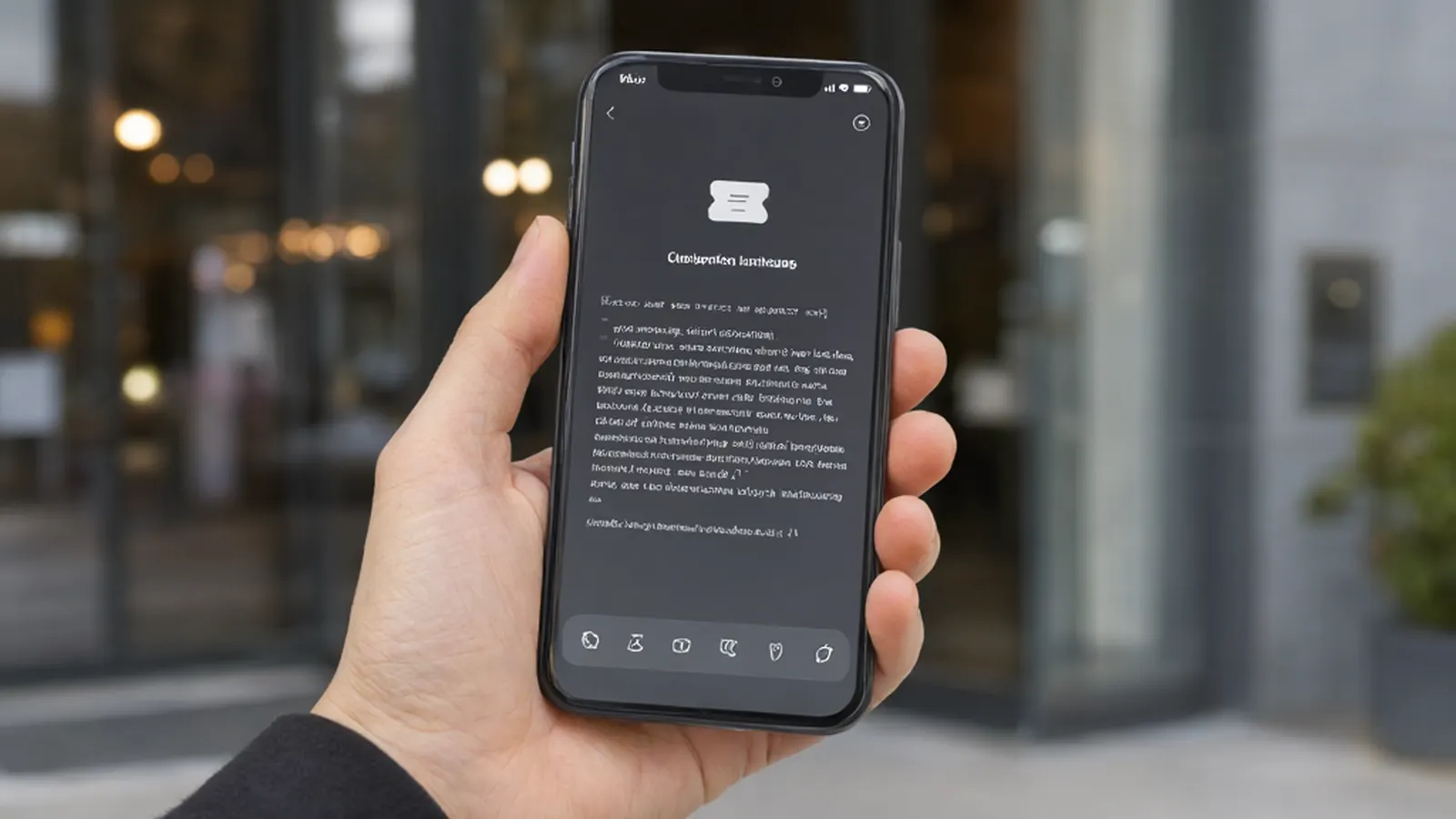
Your confirmation email arrived, which means the sale is done. It does not mean you are ready for the gate. Most StubOrder orders deliver by mobile transfer or instant download within a few hours of purchase, and the delivery method is shown on every listing before you buy. The step most first-time buyers skip is the one between those two moments: making sure the ticket actually landed, accepted, and on the right phone, the night before you walk in. Start on a concert tickets page for your date, check the how it works page for the full delivery picture, and keep this checklist for the day itself.
Three documents, only one of them is your ticket
Resale orders pass through three states, and they look similar enough to confuse people on a busy evening.
- Order confirmation. Proof you bought. It confirms the event, seats, quantity and total. It will not open a gate.
- Transfer invitation. The step where the seller's tickets move to your account. It needs accepting, by you, before it becomes anything you can show.
- Accepted ticket. The ticket in your account or wallet, ready for entry. This is the only one the scanner cares about.
If you are sitting on the first or the second, you do not have a ticket yet. You have a promise of one.
The pre-departure checklist
Run this the evening before, from the phone you plan to carry to the venue.
- Right account, right device. The ticket lives in the account that bought it. If two of you share a phone or an account, everyone in the group knows which one holds the tickets.
- Invitations accepted. Open the account and confirm each ticket shows as accepted and ready, not pending.
- Event, date and quantity. Read the ticket line against your plan. Wrong date or short quantity found at the gate is the expensive version of a typo.
- Wallet if applicable. If the ticket offers a wallet pass, add it now and check that the wallet opens the entry barcode, not a marketing page.
- Battery. A dead phone is a blank ticket. Charge it, and pack a bank if the day is long.
- Separate arrivals, separate plans. If your group splits up, each person who enters alone needs the tickets that cover them, on a phone they carry. Work that out before the night, not in the lot.
What a screenshot may or may not do
Some fans screenshot the barcode and call it done, and some venues will not accept a photo of a photo. The rule that decides it is the venue's, not the app's. Some barcodes rotate or refresh, so a saved picture goes stale. Some entries simply require the live app or wallet pass to scan. Nothing here promises any specific behavior, because the correct answer depends on the issuer and the venue. The habit that always works: arrive with the ticket live in the app or wallet, battery charged, and treat a screenshot as a backup, not a plan.
If something is missing or wrong at the gate
Do what any calm person would do, in this order.
- Re-check the basics first. Right event, right date, invitation actually accepted, ticket visible in the account. Half of gate panic is a pending transfer or a second phone nobody told.
- Use the support channel shown on your order. StubOrder's team replies through the contact form, usually within hours, and your order details are the fastest way to get it resolved. Send the order number, not a screenshot of a chat.
- Give the gate staff what they can verify. Your confirmation, your account, your ID. A scanner that will not take your ticket is a workflow problem, and the person at the gate is usually not the one who fixes it. Ask for their supervisor and your order number together.
StubOrder will not promise you a release time or a transfer window, because those belong to the issuer and the venue, and they change. What the platform does promise is this: tickets arrive before the event under the 100% Buyer Guarantee, and the delivery method you bought is the one shown on the listing.
Questions fans ask
Is the confirmation my ticket?
No. The confirmation proves the purchase. The ticket is what appears after delivery, accepted into your account or wallet.
Can I screenshot my ticket?
Sometimes. The venue and issuer decide which display method scans. Live app or wallet is the version that always works.
Can my group enter separately?
Only with the tickets split to match. Each person entering alone needs their seats on a phone they carry, so agree the split before the night.
Where do I check the stated delivery method?
On the listing, before you buy. It is shown on every listing, and it is covered on the how it works page.
Buy with the delivery method in front of you, then run the checklist the night before. Browse concert tickets for your date, and check the delivery details before you pay. Every order is backed by our 100% Buyer Guarantee.
