
Get the StubOrder app
Add StubOrder to your home screen and buy tickets to sports, concerts, theater, and festivals in one tap. It is a free web app that installs straight from your browser, so there is nothing to download from a store and no account to create.
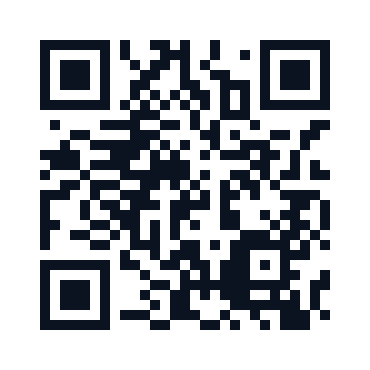
Scan with your phone camera to open StubOrder, then add it to your home screen.
Install in a few seconds
On iPhone and iPad
Open stuborder.com in Safari, tap the Share button in the toolbar, then choose Add to Home Screen. The StubOrder icon appears on your home screen and opens the site full screen.
On Android
Open stuborder.com in Chrome, tap the browser menu, then choose Install app. You can also tap the Download our app button that appears at the bottom of the site.
Why add the app
- One tap to tickets. Your StubOrder icon sits right on the home screen, no typing a web address.
- Full-screen and fast. It opens without the browser bars and loads quickly, so browsing seat maps feels like a native app.
- Always current. Because it is a web app, you always get the latest events, prices, and features with nothing to update.
- Nothing to download. No large install, no store account, and it takes up almost no space on your phone.
Every order is backed by our 100% Buyer Guarantee. New to resale? See how buying on StubOrder works.
Frequently asked questions
Is there a StubOrder app in the App Store or Google Play?
StubOrder is an installable web app, so there is nothing to download from a store. You add it to your home screen straight from your phone browser, and it opens full screen like any other app.
How do I install it on an iPhone or iPad?
Open stuborder.com in Safari, tap the Share button, then choose Add to Home Screen. The StubOrder icon is added to your home screen and opens the site full screen.
How do I install it on Android?
Open stuborder.com in Chrome, tap the browser menu, then choose Install app or Add to Home screen. You can also tap the Download our app button that appears on the site.
Does it cost anything?
No. Installing the app is free and there is no account to create. You only pay when you choose to buy tickets. The seat map on each event shows the live price per listing. Any tax is added at checkout, and a small number of listings add a delivery charge, so check the order total before you pay.