
The Ticket Price Test: Compare the Same Seats and Total
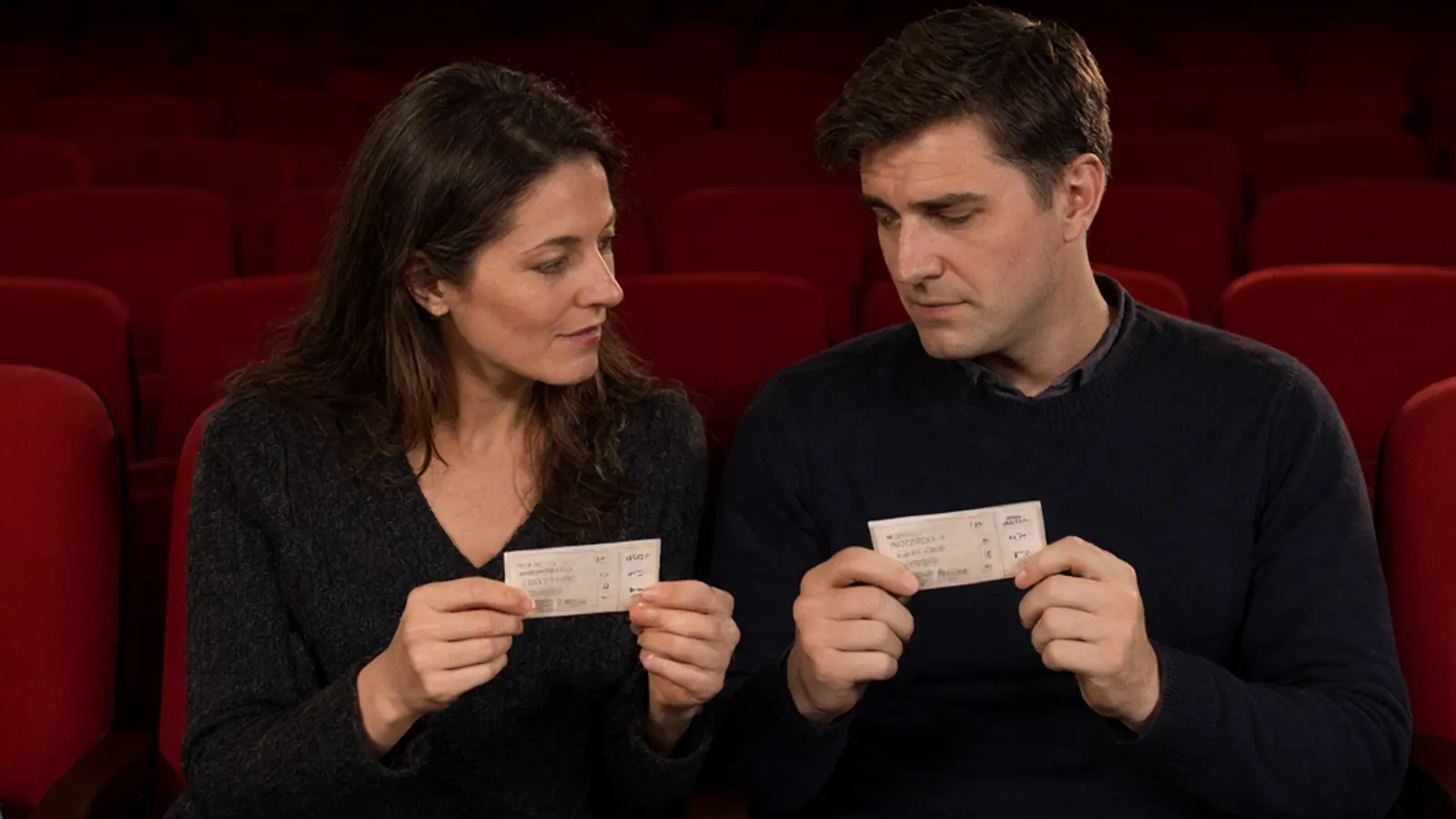
Two listings for the same show can sit side by side and look almost identical: same arena, same section name, a per-seat price that differs by only a few dollars. Then you pick your quantity and the picture changes. The number that decides your night is not the smallest price per seat. It is the total for the full order, for the seats you actually need, on the date you actually want. Start with tickets this weekend or any event page, and compare listings the way a buyer should: same event, same quantity, same view notes, then the final total.
The four-part comparison
Every time you shortlist two listings, run the same four checks before you trust either price.
- Exact event. Same event, same date, same entry. A different night at the same arena is a different market, and the price is not comparable.
- Adjacent quantity. The quantity you will buy. A cheap single seat and a four-pack are two different products. If the first listing sells in fours and the second sells in twos, you are not shopping the same item.
- Seat and view notes. Section, row, and any restricted or partial view language. A lower price with a netting obstruction is a different seat than the unobstructed one next to it.
- Total for the full order. What checkout will actually ask you for once quantity, charges, tax and delivery are in. This is the number the other three exist to explain.
Do this once and it takes ninety seconds. Skip it and you can end up paying the "cheap" listing more than the other one for fewer, worse seats.
The fee line, explained
A federal rule that took effect May 12, 2025 requires sellers of event tickets to show a total price that includes all mandatory fees, instead of a bait price that grows at checkout. That is why the modern display is a total, not a bare face price. Read that total in context, though. Under the rule, certain charges may still be disclosed separately: government taxes and, in some cases, eligible shipping. So the comparison that matters is the final payable amount on the order screen, not the first number you see in a list.
On StubOrder the fee picture is documented up front: a booking fee is already inside the price you see, any applicable tax is added at checkout, and a small number of listings add a delivery charge. That is covered on the how it works page, and it is the same structure you will recognize on most major ticket sites. The point is not which site is nicer to look at. The point is to read the same line on each one before you decide.
A blank worksheet that does the work
Keep the four parts in front of you while you shop. Fill one row per listing you are weighing, and nothing else.
| Section and row | Quantity | Charges and tax included | Final order total |
|---|---|---|---|
| Listing one | |||
| Listing two |
Keep optional extras, like a parking pass or a hotel night, in their own list. They are part of your trip budget, but they are not part of the ticket, and folding them in makes two listings that differ only by a parking add-on look farther apart than they are.
Why a saved price chart can mislead
The StubOrder Data Center publishes ticket price data by market, and it is worth reading for where a market is trending. It is not a shopping tool, though. Those figures are a dated snapshot of asking prices, often captured before fees, and the snapshot freezes the moment it was taken. The numbers that protect you at checkout are the live ones on the event page, for the exact quantity you chose. Use the data pages to sense the direction of a market. Use the listing screen to make the purchase.
When the two listings are not the same thing
Some comparisons break before you start. A single seat, a partial-view seat and a full-price unobstructed seat are three different products that share a section name. A general admission listing is a different product from any reserved seat, no matter how close the numbers are. If the quantity, the view or the entry is not identical, you are not comparing. You are guessing. Fix one of those three first, then compare totals.
Questions fans ask
Is the number I see per ticket or for the order?
Read the line it is attached to. Where a display shows a total, it is for the quantity selected. Where it shows a per-seat price, multiply by your quantity, then expect charges and tax to be added at checkout. The order screen shows the final amount before you pay.
Are all fees included in the price I see?
Mandatory fees are part of the total under the 2025 federal rule. Taxes and some delivery charges may be shown at checkout, so the safest habit is to compare the final order total, not the first screen.
Why is the first seat I see cheaper?
Sellers set their own prices, and a listing can be a single seat or a partial-view section. The lowest number on a page is often the odd one out, which is exactly why quantity and view notes come before price.
Does the Data Center show checkout prices?
No. It shows dated market data, generally before fees. It is for reading a market, not for pricing your order.
Set your date and your quantity first, fill the worksheet, and let the final total decide. See how buying on StubOrder works, then compare the rest of this weekend's listings with the full order total in front of you. Every order is backed by our 100% Buyer Guarantee.
